


A brand new Comfort App experience
Effortlessly control your home’s comfort from any smartphone or tablet.

The Comfort App
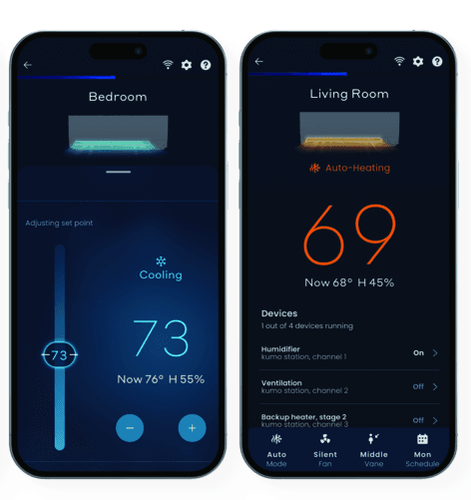
The kumo cloud app, now called the Comfort App, has been rebuilt from the ground up. Homeowners can now enjoy complete comfort control like never before. With a sleek, modern interface, the app offers an intuitive and effortless way to manage heat pump systems.
Connected features
Upgraded interface and graphics
Advanced thermostat and zone management.
Simple navigation and support
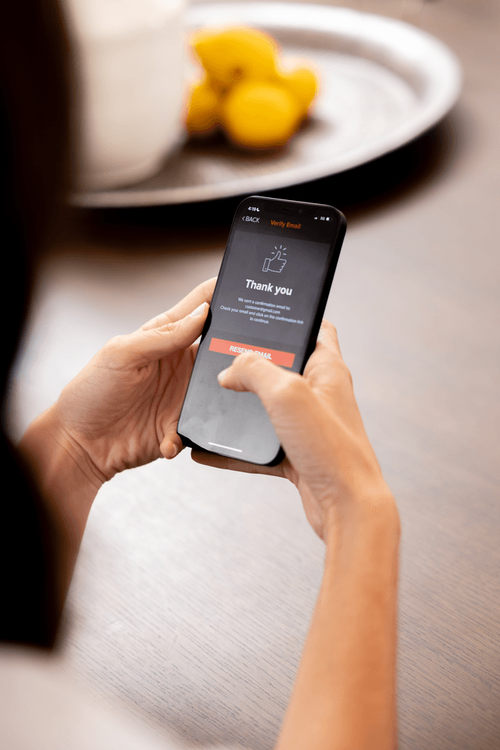
Guided user onboarding and help articles.
Reliable connection
Stronger and more reliable connections to your indoor units.
Multi-device setup
Individually name zones and connect to multiple zones quickly.
Seasonal scheduling
Seamlessly adjust schedules between summer and winter without having to recreate schedules.
Need help?
Upgrading from kumo cloud
If you already have kumo cloud© app on your smart phone, it will automatically upgrade to the new Comfort app if app updates are enabled on your smart devices.
Enable auto-update on your smartphone
iPhone device
To enable automatic app updates on an iPhone, go to Settings > App Store, then toggle the switch next to "App Updates" to turn it on; this will automatically download and install app updates as they become available.
To manually upgrade your kumo cloud app, open your device's app store, navigate to the "Updates" section, and then either update individual apps or update all available apps at once
Android device
To enable automatic app updates on an Android device, open the Google Play Store, tap your profile icon in the top right corner, select "Manage apps and device," then find the app you want to update automatically, open its details page, and toggle "Enable auto-update" to on.
To manually upgrade your kumo cloud app, open your device's app store, navigate to the "Updates" section, and then either update individual apps or update all available apps at once.
For assistance with the Comfort App, please visit Mitsubishi's Help Center, or call 1-800-433-4822, and choose option 2 for App Support, then option 1 for the Comfort App.
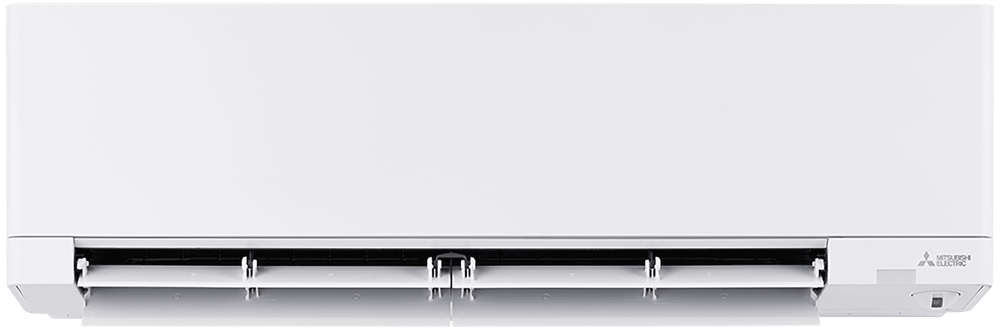
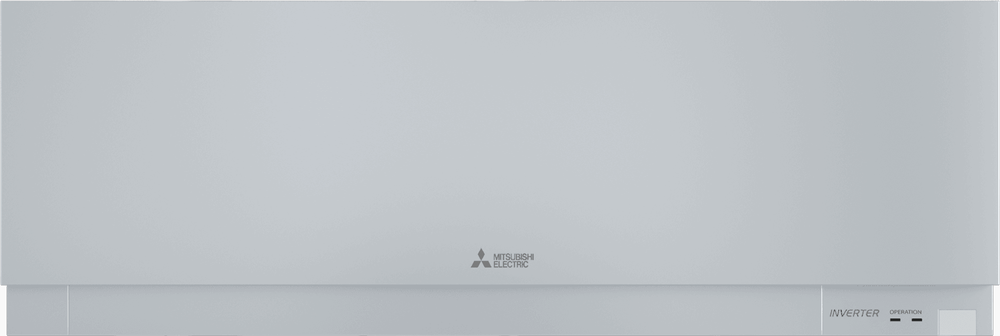
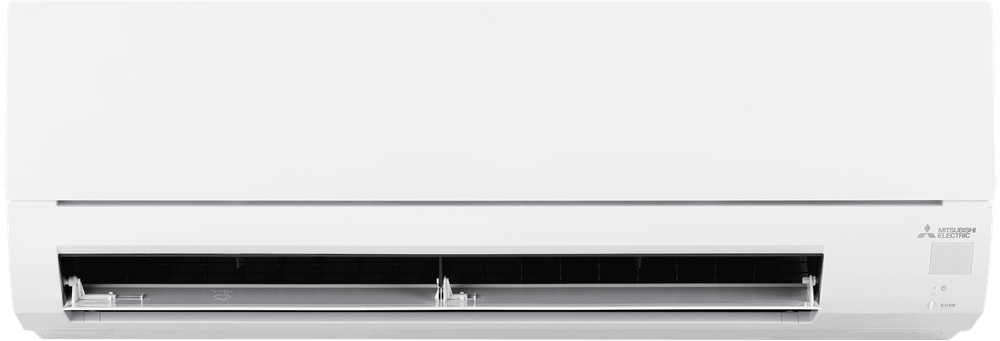
WX Wall-mounted Indoor Unit
The WX provides personalized, energy-efficient comfort to any room or zone.
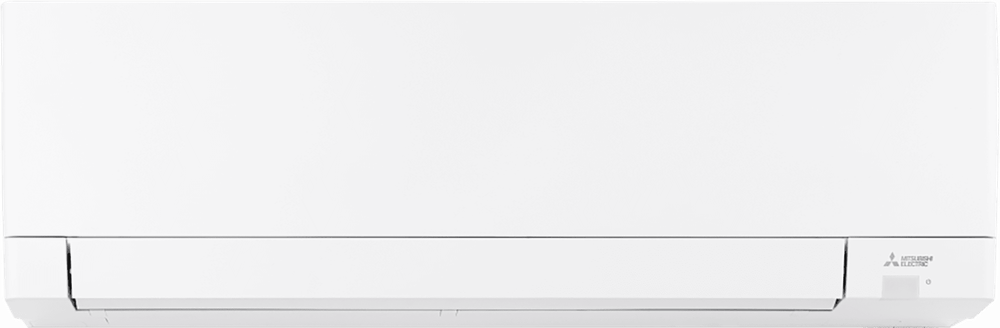
GX Premier Cooling-only Wall-mounted Indoor Unit
The MSY-GX Premier Wall-mounted Indoor Unit combines sleek matte finish design, whisper-quiet performance, and energy-efficient comfort for any home.
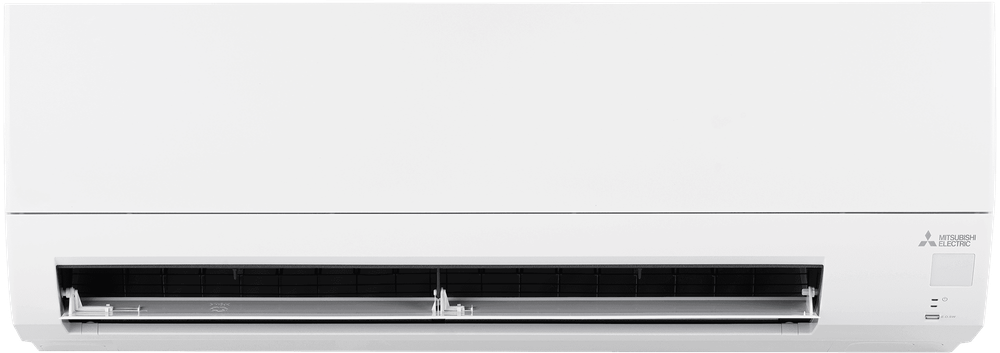
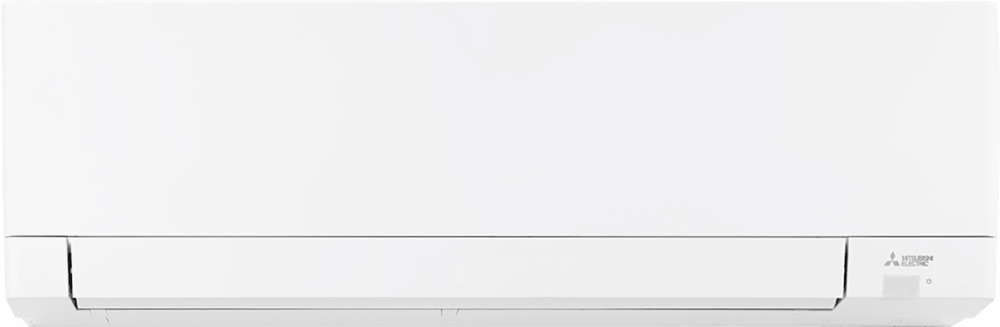
HX Wall-mounted Indoor Unit
The HX offers energy-efficient operation and a slim, flat panel design to bring ultimate comfort to any room.
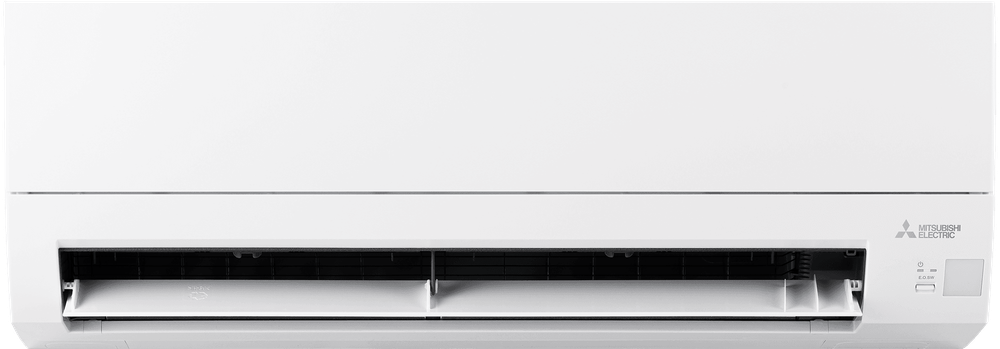
JX 115V Wall-mounted Indoor Unit
Designed for homes with limited electrical capacity, this 115V unit installs easily using a standard outlet and delivers year-round comfort.
Download the Comfort app to your devices

Apple and iPhone are trademarks of Apple Inc., registered in the U.S. and other countries and regions.

Review Comfort App by Mitsubishi Electric Terms and Conditions.
Elevated Mini-split Features
Auto changeover mode
With auto changeover mode, the system can automatically switch between heating and cooling, so you can stay comfortable in any season.
Comfort app
The comfort app offers both remote and local control of your heat pump system using your smart phone. Easy-to-set and schedule your comfort.
All-climate performance
Perfect for cold climates or weather conditions, an all-electric heat pump with Mitsubishi Electric’s exclusive Hyper-Heating INVERTER® (H2i®) technology, performs at 100% rated capacity in temperatures as low as 5° F, with continued operation down to -22° F.
Wall-mounted installation
Wall-mounted indoor units are typically installed on an exterior-facing wall and connected to the outdoor unit by two 3" refrigerant pipes. No ductwork, no hassle.
3D i-see Sensor®
The 3D i-see Sensor® actively scans a room to determine if it is occupied, adjusts the temperature accordingly, and changes the airflow direction away or towards the occupants as desired.